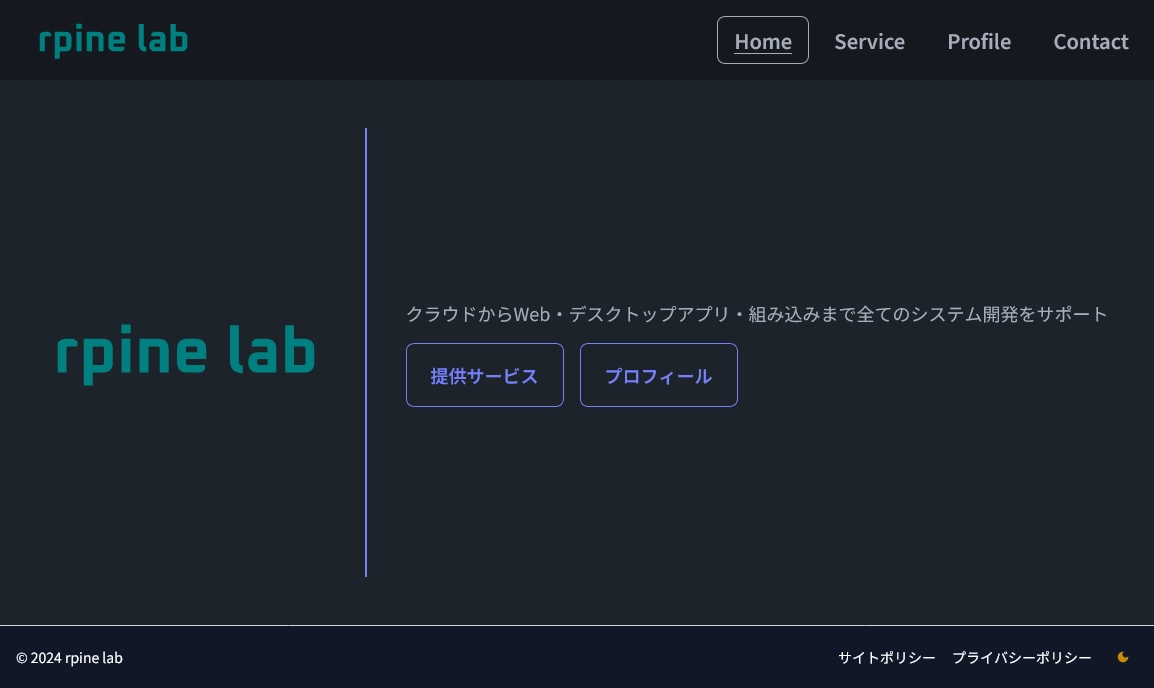
Hello! This is the rpine lab blog site.
This page introduces the technology stack and architecture used in the rpine lab homepage (https://rpine.net/).
📚 Tech Stack Overview
Language
TypeScript: For type safety and development efficiency
Frontend
- Next.js (App Router)
- React
- Tailwind CSS: A utility-first CSS framework
- daisyUI: A Tailwind CSS-friendly UI component library
- Cloudflare Web Analytics: Traffic analytics tool (script is automatically injected via the Pages feature)
Backend
- Next.js (Server Actions): Contact form submission handling (bot detection and email delivery to myself)
- Cloudflare Turnstile: Cloudflare's reCAPTCHA alternative for bot filtering (implementation article)
MailChannels:A free email sending service available when used with Cloudflare Workers- Resend: An email sending service with a free tier (implementation article)
Infrastructure
Cloudflare Pages:Automatic deployment and delivery of Next.js pages(Migrated to Cloudflare Workers due to Pages deprecation)- Cloudflare Workers: Automatic build & deployment, content delivery, and backend for Server Actions
Development Tools
- GitHub: Source code management
- GitHub Actions: Automatically runs Linter and VRT on every PR and push (CI/CD)
- Mend Renovate: Automatic dependency updates
- Playwright: For VRT (Visual Regression Testing)
- Visual Studio Code: Development environment / text editor
❓ Contact Form Implementation
To filter out bots, the site uses Cloudflare Turnstile as a reCAPTCHA alternative.
Using MailChannels (free when used from Cloudflare Workers: reference 1, reference 2), Using Resend (implementation article), contact form submissions are delivered to me via email.
When the submit button is pressed, Next.js Server Actions invoke the Turnstile bot-detection check and the email sending API, both running at Cloudflare Workers' edge.
🌑 Dark Mode Toggle
Dark mode support is implemented using daisyUI's theme feature and React's Context API.
By default, the site follows the OS dark mode setting. Users can also manually toggle it via the icon in the footer. The preference is stored in the browser's LocalStorage.
Color switching is primarily handled by daisyUI's theme system, keeping custom style overrides to a minimum.
📱 Responsive Design
Responsive design is achieved using Tailwind CSS breakpoint prefixes (e.g., md:) combined with daisyUI component classes.
🛠️ Development Environment (CI/CD)
By linking the GitHub repository to Cloudflare Workers, the site benefits from automatic build & deployment after each push, as well as automatic preview environment creation for development branches. Preview environments are restricted to authorized users only via Cloudflare Zero Trust.
On the GitHub side, Linter and VRT run automatically via GitHub Actions on every PR and push.
Mend Renovate is set up for automatic package updates. (Combined with VRT snapshot testing, any unexpected layout breakages caused by auto-updates are caught before merging.)